IPTV Buffering During Champions League? Here's the Permanent Fix
Stop missing crucial goals! Learn why your IPTV buffers during big matches and the proven fixes that work in 2026.
Why Does Your IPTV Buffer During Champions League Matches?
There's nothing more frustrating than watching the spinning wheel of buffering just as Haaland is about to score or when your team is defending a crucial penalty. If you've noticed your IPTV service runs perfectly for regular TV but struggles during Champions League nights, you're not alone. This is one of the most common complaints we hear, and understanding why it happens is the first step to fixing it permanently.
The Server Overload Problem
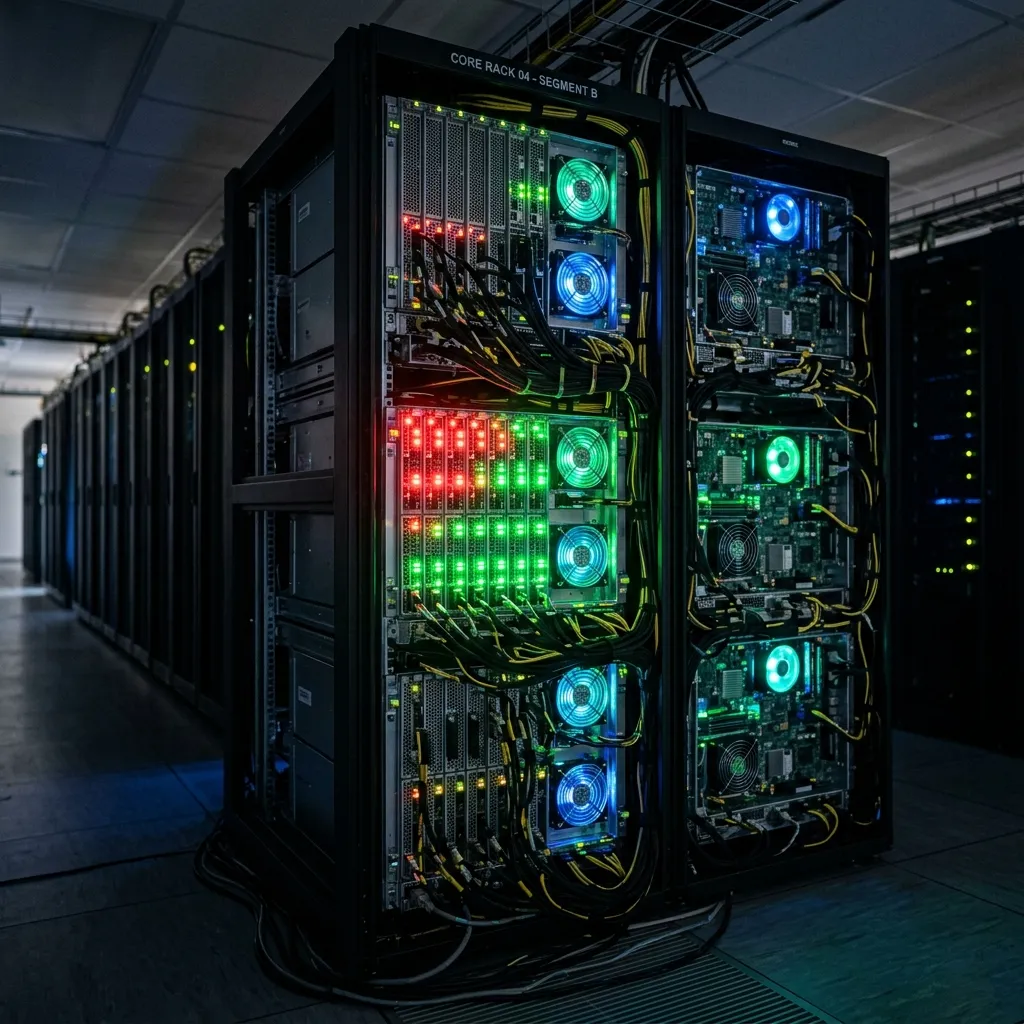
When millions of viewers tune in simultaneously for a Champions League knockout match, IPTV servers face enormous strain. Unlike regular programming where viewership is distributed across thousands of channels, major football matches concentrate traffic on just a few streams. Budget IPTV providers often lack the infrastructure to handle these traffic spikes, resulting in:
The math is simple: If an IPTV provider has server capacity for 50,000 concurrent viewers but 200,000 subscribers try to watch Real Madrid vs Manchester City, 75% of users will experience problems.
ISP Throttling During Peak Sports Events
Your Internet Service Provider knows exactly when major football matches are happening. Many ISPs actively throttle streaming traffic during these peak times to manage network congestion. Signs that your ISP is throttling your connection include:
ISPs use Deep Packet Inspection (DPI) to identify streaming traffic and can selectively slow it down. This is particularly common in the UK, Germany, and parts of the US.
Proven Solutions That Actually Work
Solution 1: Use a Quality VPN
A VPN encrypts your traffic, preventing your ISP from identifying and throttling your IPTV streams. For Champions League viewing, we recommend:
Pro tip: Some VPNs are better optimized for streaming than others. Look for providers that specifically advertise fast streaming servers.
Solution 2: Optimize Buffer Settings in Your Player
If you're using TiviMate, Smarters, or similar IPTV players, adjusting buffer settings can make a significant difference.
TiviMate Buffer Settings:
IPTV Smarters Pro Settings:
VLC Player (for those using M3U):
Solution 3: Wired Connection Over WiFi
During Champions League nights, every millisecond counts. A wired Ethernet connection provides:
If running an Ethernet cable isn't possible, consider a PowerLine adapter or WiFi 6 mesh system to improve wireless stability.
How ZeroBuffering's Dedicated Sports Servers Solve This
At ZeroBuffering, we've specifically engineered our infrastructure for high-traffic sporting events. Here's what makes us different:
Dedicated Sports Server Clusters
We maintain separate server clusters specifically for sports channels. When Champions League kicks off, these servers aren't sharing resources with entertainment or movie streams. Each sports server is:
Intelligent Traffic Management
Our system monitors real-time server loads and automatically reroutes users to less congested paths. If one server cluster reaches 70% capacity, new connections are directed elsewhere before performance degrades.
Premium CDN Partnerships
We've invested in partnerships with enterprise-grade Content Delivery Networks that cache streams at edge locations worldwide. This means your Champions League stream often comes from a server just miles from your home, not from a congested central server.
Your Pre-Match Troubleshooting Checklist
Before the next big match, run through this checklist:
24 Hours Before:
1 Hour Before Kickoff:
If Buffering Occurs During the Match:
Why Switching Providers Might Be the Real Solution
If you've tried everything above and still experience buffering during every major match, the problem isn't your setup—it's your IPTV provider's infrastructure.
Questions to ask your current provider:
If they can't answer these questions confidently, it may be time to switch to a provider that takes sports streaming seriously.
Experience the ZeroBuffering Difference
With ZeroBuffering, you get:
Don't let another crucial Champions League moment be ruined by buffering. Our sports-optimized servers are specifically designed for the demands of live football streaming.
Final Thoughts
IPTV buffering during Champions League isn't something you should accept as normal. With the right combination of optimized settings, a quality VPN, and most importantly, a provider with adequate infrastructure, you can enjoy every match without interruption.
Start with the software fixes and settings adjustments outlined above. If problems persist, the issue likely lies with your provider's infrastructure—and that's a problem only switching providers can solve.
Ready for buffer-free Champions League streaming? ZeroBuffering's dedicated sports servers ensure you never miss another crucial moment. Experience the difference premium infrastructure makes.
Stop Buffering Forever
Enter your email to receive our Anti-Throttle Ultimate Checklist and a secret discount code for ZeroBuffering.
![How to Fix IPTV Buffering: Firestick & Smart TV [2026 Guide]](/_next/image?url=%2Fimages%2Fblog%2Fiptv-buffering-fix-2026.png&w=3840&q=80)