TiviMate Premium Lifetime: Cost, Features & Setup Guide (2026)
Is TiviMate Premium lifetime worth it in 2026? Compare pricing, Companion app setup, and optimal buffer settings for 4K live sports. Read our full guide.
Why TiviMate is the undisputed #1 IPTV player in 2026
If you ask any veteran cord-cutter what the best application is for streaming live television on Android TV or Amazon Firestick, the answer is almost universally the same: TiviMate IPTV Player.
Unlike generic web players or clunky mobile-adapted apps, TiviMate was engineered from the ground up specifically for big-screen televisions and remote controls. It delivers the exact speed, aesthetic polish, and seamless channel surfing experience of a high-end $150/month traditional cable box—without the bloated contract or hardware rental fees.
However, while TiviMate offers a free tier, almost every power feature that makes the software legendary requires TiviMate Premium.
This comprehensive 2026 guide breaks down exact pricing, whether the Lifetime License is worth it, how to purchase on an Amazon Firestick, and the optimal buffer settings to pair with ZeroBuffering for uninterrupted 4K streaming.
TiviMate Free vs TiviMate Premium: What do you unlock?
The free version of TiviMate works well as an emergency preview player, but it locks down almost all convenience and customization features. Here is what upgrading to TiviMate Premium unlocks:
1. Multi-view streaming (up to 9 simultaneous screens)
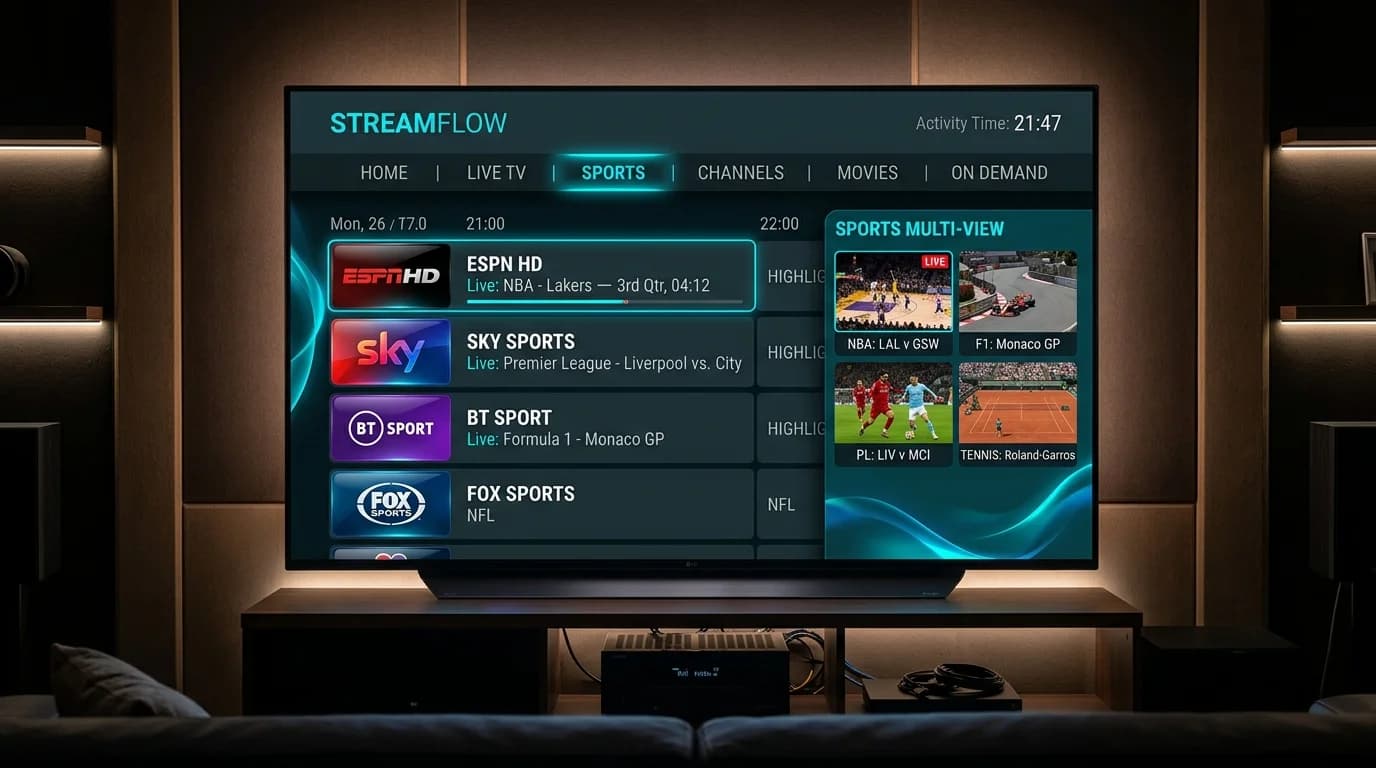
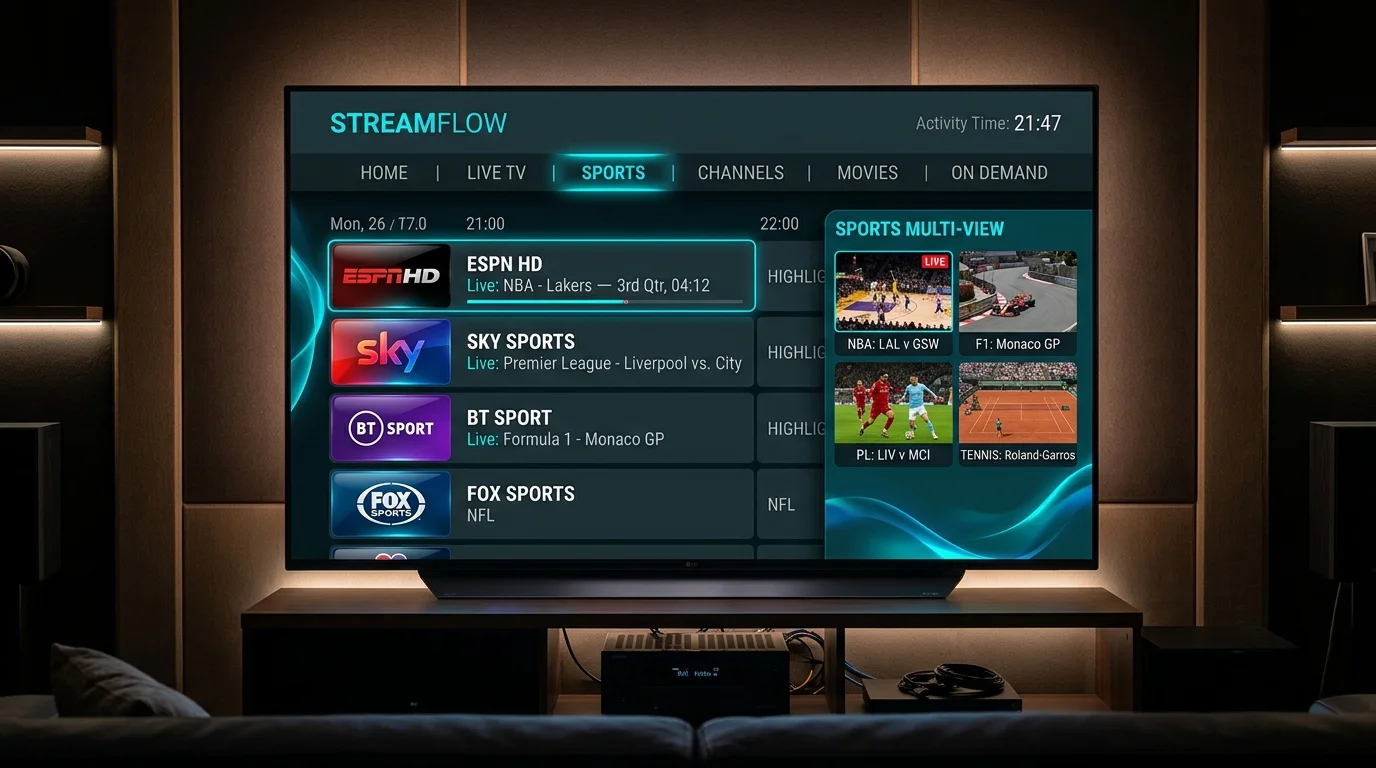
Multi-view is TiviMate’s marquee feature for sports enthusiasts. You can watch up to 9 live channels simultaneously on a single television screen in customizable grid layouts (2x2, 3x3, or 1 large screen with 3 side panels).
This allows you to watch simultaneous Saturday Premier League fixtures, track multiple NFL Sunday matchups, or follow Formula 1 onboard cameras without switching channels.
2. Multi-playlist support
The free version only permits a single playlist. Premium allows you to connect multiple M3U or Xtream Codes playlists simultaneously, seamlessly merging live international channels, sports packages, and VOD cinema into one unified electronic program guide.
3. Scheduled recording and catch-up TV
With Premium, you can schedule recordings to local device storage, an external USB drive, or a networked hard drive (SMB share). If your IPTV provider supports catch-up, you can scroll backward in the EPG timeline up to 7 days and replay missed matches on demand.
4. Custom channel groupings, favorites, and hiding
Clean up messy channel lists by creating custom groups (e.g., "My Sunday Sports" or "Kids Channels"), reordering channels with custom numbers, and hiding thousands of unwanted international categories with one click.
5. Automated EPG auto-update schedules
Set automatic EPG background refresh schedules (e.g., every 4 to 12 hours) so your guide is always populated with up-to-date program descriptions, posters, and start times.
TiviMate Pricing Breakdown: Annual vs Lifetime License
TiviMate is developed by independent software engineer Arman Gevorgyan (AR Mobile Labs). Pricing has remained remarkably consumer-friendly over the years:
| Plan | Price (USD) | Payment Model | Device Activations | Updates Included |
|---|---|---|---|---|
| TiviMate Free | $0.00 | Free download | 1 device | Basic player only |
| TiviMate Annual | $9.99 / year | Recurring yearly subscription | Up to 5 devices | Full Premium access |
| TiviMate Lifetime | $34.99 one-time | Single one-time purchase | Up to 5 devices | Lifetime updates forever |
Which plan should you choose?
If you plan to use IPTV for more than 3 years, the Lifetime License ($34.99) is the clear mathematical winner. It pays for itself by year three, eliminates recurring credit card renewals, and protects you against future software price increases.
Furthermore, both licenses allow activation on up to 5 devices. That means you can activate your living room Firestick, bedroom Smart TV, vacation device, and family members' streaming boxes under a single purchase.
How to buy TiviMate Premium on an Amazon Firestick
Because Amazon Fire TV runs Fire OS without the Google Play Store, purchasing TiviMate Premium requires a specific workaround using the official TiviMate Companion app.
Step 1: Install TiviMate on your Firestick
Step 2: Purchase the license via TiviMate Companion
Because you cannot enter Google Play in-app purchases directly through Fire OS:
Step 3: Unlock Premium inside the Firestick app
Optimal TiviMate settings for zero buffering
Even the best media player cannot fix an unstable stream if your settings are misconfigured. After linking your ZeroBuffering IPTV credentials, apply these high-performance settings:
1. Optimize Stream Buffer Size
2. Enable Hardware Video Decoding
3. Turn on Auto Frame Rate (AFR) matching
How to pair TiviMate with a high-performance IPTV provider
Remember that TiviMate is an empty software player. Its performance depends entirely on the stability, bitrate, and server capacity of the IPTV service delivering the video feed.
At ZeroBuffering, our streams are specifically optimized for TiviMate:
Check out our pricing tiers to pair your TiviMate player with high-capacity 4K streams backed by our 7-day money-back guarantee.
Conclusion: Is TiviMate Premium worth it?
In 2026, TiviMate Premium remains the gold standard of cord-cutting applications. For a modest one-time investment of $34.99, you unlock multi-view sports, automated EPG management, multi-device support, and a sleek cable-like TV interface that makes streaming a pleasure for the entire family.
Follow our setup guide or explore our IPTV for Firestick recommendations to start streaming today.
Stop Buffering Forever
Enter your email to receive our Anti-Throttle Ultimate Checklist and a secret discount code for ZeroBuffering.