Apollo Group TV Not Working? (2026 Outage Fix & Best Alternatives)
Is Apollo Group TV down, buffering, or stuck on Startup Show loading screen? Discover why their servers are failing and how to fix playback immediately.
Is Apollo Group TV Down Right Now? Real-Time Outage Check
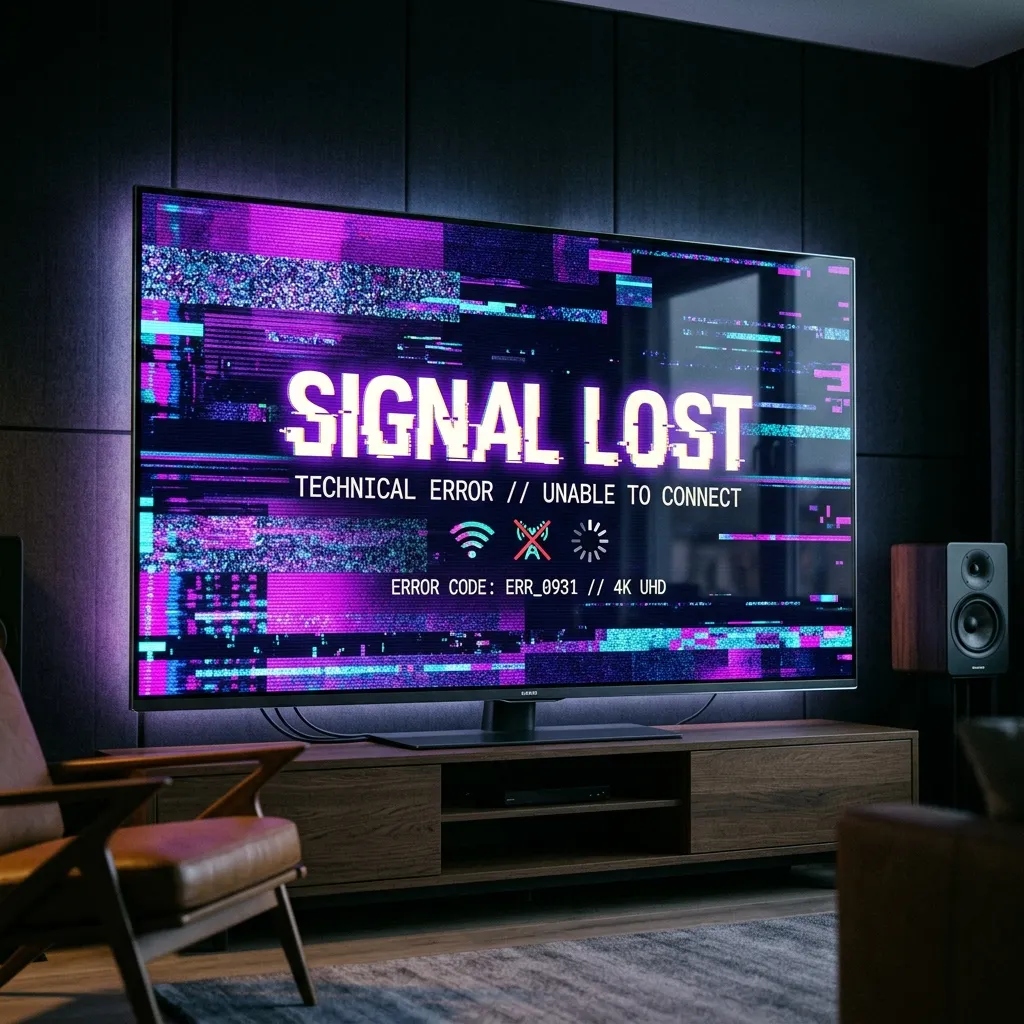
If you are staring at a black screen, an infinite spinning circle on Startup Show, or an error alert saying "Cannot Connect to Server", you are experiencing an issue affecting thousands of Apollo Group TV subscribers in 2026.
Apollo Group TV has historically been one of the most recognized brand names in cord-cutting. However, over recent months, forum discussions across Reddit, Trustpilot, and Discord have reported increasing frequency of server drops during live Pay-Per-View fights, VOD playback timeouts, and account activation lockouts.
Before resetting your Firestick or router, use this quick diagnostic matrix to identify whether Apollo's infrastructure is offline or if a local configuration issue is to blame.
| Error / Symptom | Root Cause | Immediate Action |
|---|---|---|
| Startup Show "Cannot Connect" | Main API authentication node down | Test portal via mobile data or VPN |
| Live TV works, VOD Movies freeze | Secondary storage cluster bandwidth limit | Clear cache; VOD nodes overloaded |
| "Error 401: Unauthorized" | M3U account token expired or revoking | Check billing portal / verify payment cleared |
| Playback buffers every 20 seconds | ISP throttling during live football/UFC | Switch DNS to Cloudflare `1.1.1.1` |
| Stuck on PIN login screen | Corrupted local database in Startup Show | Clear App Data in Firestick settings |
4 Most Common Causes of Apollo Group TV Failures in 2026
1. Centralized Data Center Overcrowding
Apollo Group TV relies heavily on centralized hosting clusters. When massive events happen—such as UFC title bouts, Premier League derbies, or NFL playoff games—hundreds of thousands of concurrent users ping the same origin servers. This sudden influx saturates network ports, causing unrecoverable packet drops.
2. Startup Show Proprietary App Bloat
Unlike modern services that support open IPTV players like TiviMate or IPTV Smarters Pro, Apollo forces users onto their proprietary Startup Show application. On older hardware (such as Fire TV Stick Lite or 2nd Gen Firesticks), Startup Show consumes excessive RAM, leading to memory leaks, device overheating, and unexpected app crashes mid-stream.
3. Cryptocurrency Payment Expirations
One of the biggest frustrations reported by long-time Apollo users is their strict shift to cryptocurrency-only billing (Bitcoin / Cash App BTC). Many subscribers have experienced unexpected channel blackouts because blockchain network congestion delayed payment confirmations past their renewal deadline.
4. ISP Throttling and Injunction Null-Routing
In the US and UK, Internet Service Providers like Comcast, AT&T, Spectrum, Sky, and Virgin Media actively target known Apollo Group IP address ranges during live sports hours. Unencrypted stream packets are throttled down to 1–2 Mbps, which cannot support high-definition video.
Step-by-Step Fixes to Restore Apollo Group TV Playback
If you need your stream running right now, perform these verified triage steps in order:
Step 1: Force Clear Startup Show App Cache
Temporary cached video fragments and corrupt EPG files are the #1 cause of infinite loading loops on Amazon Fire TV:
Step 2: Change DNS Resolvers on Your Streaming Device
Bypassing your ISP's default DNS server eliminates domain name blocking and speeds up stream handshakes:
Step 3: Test on a Secondary Player via Xtream Codes
If Startup Show refuses to open, you can test whether your account is still active by loading your M3U playlist credentials into an alternative player like IPTV Smarters Pro or TiviMate:
The Superior Apollo Group TV Alternative: ZeroBuffering
If you are tired of crypto exchange transaction fees, unannounced server outages during marquee sports events, and clunky proprietary apps, it is time to upgrade to next-generation streaming architecture.
ZeroBuffering was engineered from the ground up to eliminate the single points of failure inherent in legacy services like Apollo.
Why Cord-Cutters Are Migrating to ZeroBuffering:
* Instant Credit Card Checkout: No Bitcoin wallets, no crypto transaction fees, and no waiting hours for blockchain confirmations. Check out securely via credit/debit card and receive your credentials on-screen in seconds.
* Open Player Freedom: Use the best applications available. Full native support for TiviMate, IPTV Smarters Pro, IBO Player, and browser streaming on Web4Player.
* True 60FPS High-Bitrate Feeds: Enjoy crisp, fluid motion on VIP Sports Channels without the stutter or audio desync common on overloaded budget servers.
* Multi-CDN Load Balancing: If an edge node experiences network jitter, our automated failover routes your stream to an idle node within 500 milliseconds—ensuring your stream never buffers.
* Multi-Device Support: Dedicated guides for Firestick 4K, Apple TV 4K, NVIDIA Shield Pro, and Samsung/LG Smart TVs.
Stop spending your weekends troubleshooting black screens.
Try ZeroBuffering today backed by our 7-day risk-free money-back guarantee.
Stop IPTV Buffering & ISP Throttling
Unlock our Anti-Throttle Ultimate Checklist with proven configuration steps for Firestick, Smart TVs, and Android boxes.