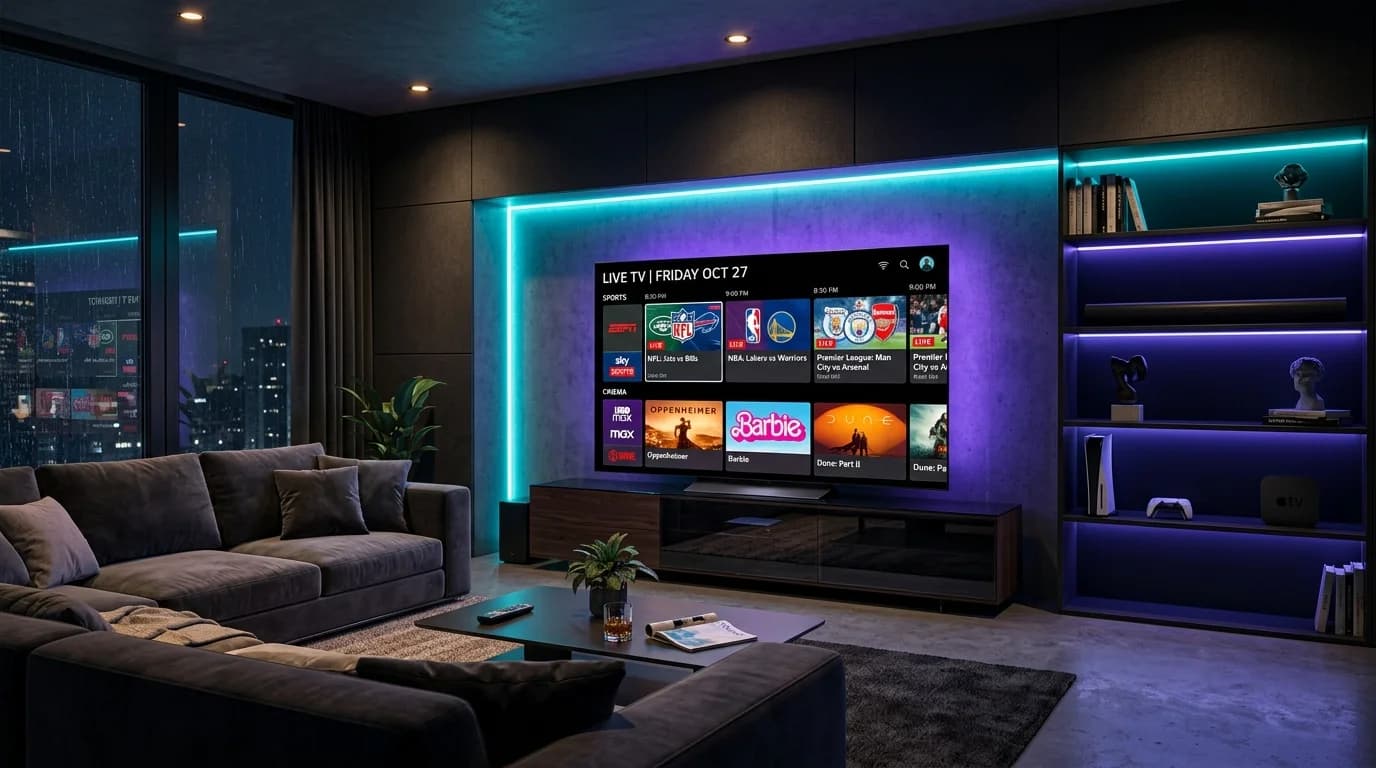
Best IPTV Free Trials (2026): How to Test 4K Streams Risk-Free
Looking for an IPTV free trial in 2026? Learn how to test 20,000+ live 4K channels and sports risk-free without bait-and-switch server lag. Start today.
The reality of IPTV free trials in 2026
If you are searching for an IPTV free trial, you have almost certainly experienced the frustration of paying upfront for an IPTV subscription that promised the world and crashed the moment the referee blew the whistle for a major football match.
Testing a service before committing your hard-earned money is the smartest move any cord-cutter can make. However, the IPTV market in 2026 is filled with misleading trial offers, data-harvesting web forms, and artificial demo servers designed to trick buyers into purchasing subscriptions that fail under real-world conditions.
This guide explains how free trials actually work behind the scenes, the five stress tests you must run during any evaluation, and why a production-grade 7-day money-back test is superior to a crippled 24-hour trial.
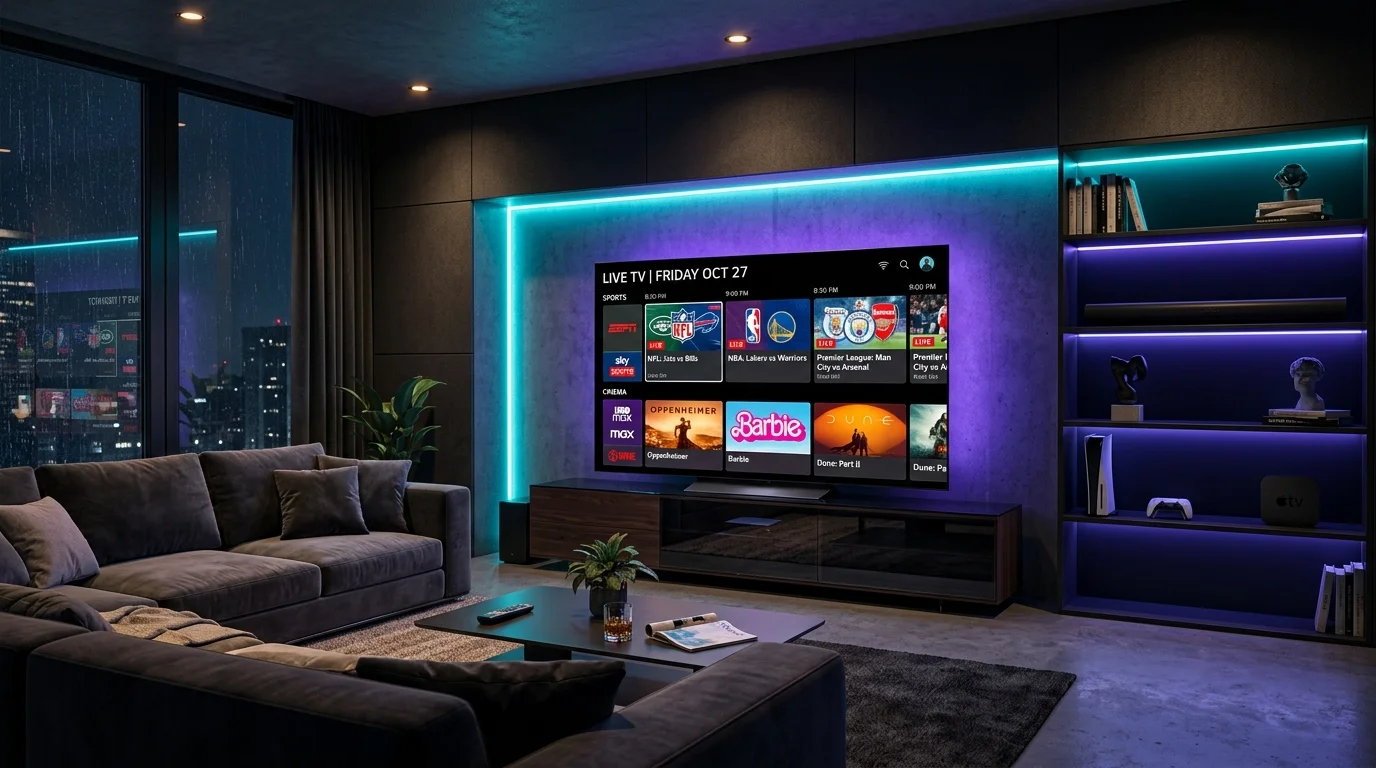
The "Free Trial Trap": Why 24-hour demos usually lie
When you request a standard 12-hour or 24-hour test line from a random seller on Telegram, Reddit, or an unverified web form, you are almost never testing the actual production servers you will be using as a paying customer. Here is how budget providers manipulate trial results:
1. The dedicated demo server trick
Oversold IPTV providers know their main server clusters cannot handle thousands of simultaneous streams. To hide this, they host a small, dedicated "trial server" with only 300 to 500 popular channels.
Because only a handful of prospective buyers are connected to this isolated node at any given time, your 24-hour test appears fluid and buffer-free. The moment you pay for a full subscription, your credentials are moved to the oversold master cluster, where buffering returns instantly.
2. Off-peak trial scheduling
Notice how budget sellers rarely issue free trial lines on Saturday afternoon or Sunday during NFL or Premier League kickoffs? They deliberately restrict trials to Tuesday mornings or require manual activation during low-traffic windows when global internet peering is quiet. A stream that runs smoothly at 10:00 AM on a Wednesday tells you nothing about how it will perform during the Champions League final.
3. Malware, malicious downloader codes, and spam harvesting
Free trial forms that demand personal mobile phone numbers, full names, or ask you to install unverified third-party APKs via Downloader often exist solely to harvest phone numbers for spam marketing or inject ad-ware onto your Firestick. You should never install unknown APKs when standard players like TiviMate or IPTV Smarters Pro can connect via official Xtream Codes credentials.
5 critical stress tests to run during any IPTV trial
When evaluating any IPTV service, do not waste your trial period passively watching an old movie. Run these five technical stress tests to verify whether the infrastructure can sustain long-term viewing:
1. Test live sports at peak hours (60FPS fluidity)
Schedule your test during a major live sporting event (e.g., Saturday Premier League, Sunday NFL, or UFC PPV cards).
2. Verify Electronic Programme Guide (EPG) loading speed
A premium provider maintains clean XMLTV EPG data. When you load the playlist into your player:
3. Check video codecs and real bitrates (H.265 vs H.264)
Budget providers save server bandwidth by over-compressing 1080p feeds down to 3 Mbps using outdated H.264 encoders, resulting in macroblocking, pixelated grass on sports pitches, and washed-out dark scenes.
A premium IPTV architecture uses modern H.265 (HEVC) encoding at full 10 to 18 Mbps bitrates, delivering true 1080p and 4K Ultra HD resolution with vivid HDR color grading.
4. Stress-test rapid channel zapping
Switch through 15 to 20 channels in rapid succession across different categories (e.g., from Sky Sports to HBO, then to French Canadian channels, and back to US local networks).
5. Inspect CDN routing and ISP throttling resistance
In countries like the UK (Virgin Media, BT, Sky), the USA (Comcast Xfinity, Spectrum), and Canada (Bell, Rogers), ISPs actively throttle unencrypted IPTV streams during peak evening windows.
Verify whether the provider routes streams through encrypted TLS 1.3 tunnels. If streams stutter at 8:30 PM but clear up when testing with alternative DNS or network routes, the provider lacks native anti-throttling server clusters.
Comparison: 24-hour free demo vs 7-day production test
| Evaluation Metric | Typical 24-Hour Free Demo | ZeroBuffering 7-Day Risk-Free Test |
|---|---|---|
| Server Environment | Isolated demo node (low channel count) | Full production CDN infrastructure |
| Channel Availability | 500 – 1,000 channels | Complete 20,000+ global channels & VOD |
| Live Sports Access | Often locked during marquee events | All PPVs, 4K sports & 3PM kick-offs included |
| Evaluation Window | 2 to 24 hours (usually expires before weekend) | Full 7 days across multiple peak windows |
| Hardware Tested | Single device only | Firestick, Smart TV, Apple TV, Android, PC |
| Customer Support | Automated bot or unmonitored ticket | 24/7 dedicated WhatsApp concierge support |
| Financial Risk | Free, but high risk of subsequent lock-in | 100% money-back guarantee with zero hassle |
How to start a risk-free 7-day test on ZeroBuffering
Rather than offering crippled 2-hour demo lines that fail to represent real performance, ZeroBuffering provides complete access to our full production network under an unconditional 7-day money-back guarantee.
This allows you to test all 20,000+ live channels, every weekend sports fixture, our comprehensive 50,000+ VOD library, and our automated EPG across your own home devices without restrictions.
Simple 3-step setup:
If our streams do not exceed your expectations for clarity, stability, and zero buffering during your favorite live sports, simply message our team within 7 days for an immediate, full refund.
Summary: Test smart before you subscribe
A free trial is only valuable if it tests the exact network conditions you will experience week after week. By avoiding oversold 24-hour demo lines and testing production-grade CDN clusters across real matchday fixtures, you can cord-cut with complete confidence.
Explore our features, browse our channel list, or choose your plan today to start streaming in buffer-free 4K.
Stop Buffering Forever
Enter your email to receive our Anti-Throttle Ultimate Checklist and a secret discount code for ZeroBuffering.